Standing Desk Real Talk: Does It Actually Help Your Back?
Why the Standing Desk Conversation Matters
Office workers spend an average of eight to ten hours a day glued to a chair. The rise of height‑adjustable workstations has turned that statistic into a debate: does standing actually help your back, or is it just a trendy gimmick? The answer isn’t a simple yes or no. It’s a nuanced story built on muscle activation, disc loading, posture, and individual health profiles. In this article we unpack the research, debunk common myths, and give you a practical, evidence‑based framework for making a standing desk work for you. Check it out here.
As an Amazon Associate, we earn from qualifying purchases.
The Science of Muscle Activation and Spinal Loading
Electromyography (EMG) studies have shown that when you stand for short bursts—typically five to fifteen minutes—the lumbar erector spinae and multifidus muscles fire at a low, steady rate. This gentle activation helps maintain spinal alignment without the fatigue that builds up during prolonged sitting. The problem appears when standing turns into a marathon. After about sixty minutes of uninterrupted standing, muscle fatigue spikes, and compressive forces on the intervertebral discs rise sharply. The emerging consensus is a “sit‑stand‑move” rhythm: 30‑minute sitting blocks, followed by 5‑10 minutes of standing, punctuated by 2‑minute micro‑breaks for light stretching or a short walk.
Intervertebral Disc Health: The Unloading Advantage
Static postures—whether you’re hunched in a chair or locked in a standing pose—can accelerate disc degeneration. Longitudinal MRI studies, such as the Framingham Heart Study, have found that workers who alternate between sitting and standing show a modestly lower prevalence of lumbar disc bulges compared with those who sit more than eight hours a day. The protective effect stems from periodic unloading of the discs during standing, which promotes fluid exchange and nutrient diffusion. However, the benefit plateaus after roughly two to three hours of total daily standing. Beyond that point, the spine bears the full weight of the body without the cushioning effect of a chair, and disc pressure can actually increase.
Posture Quality Trumps Desk Height
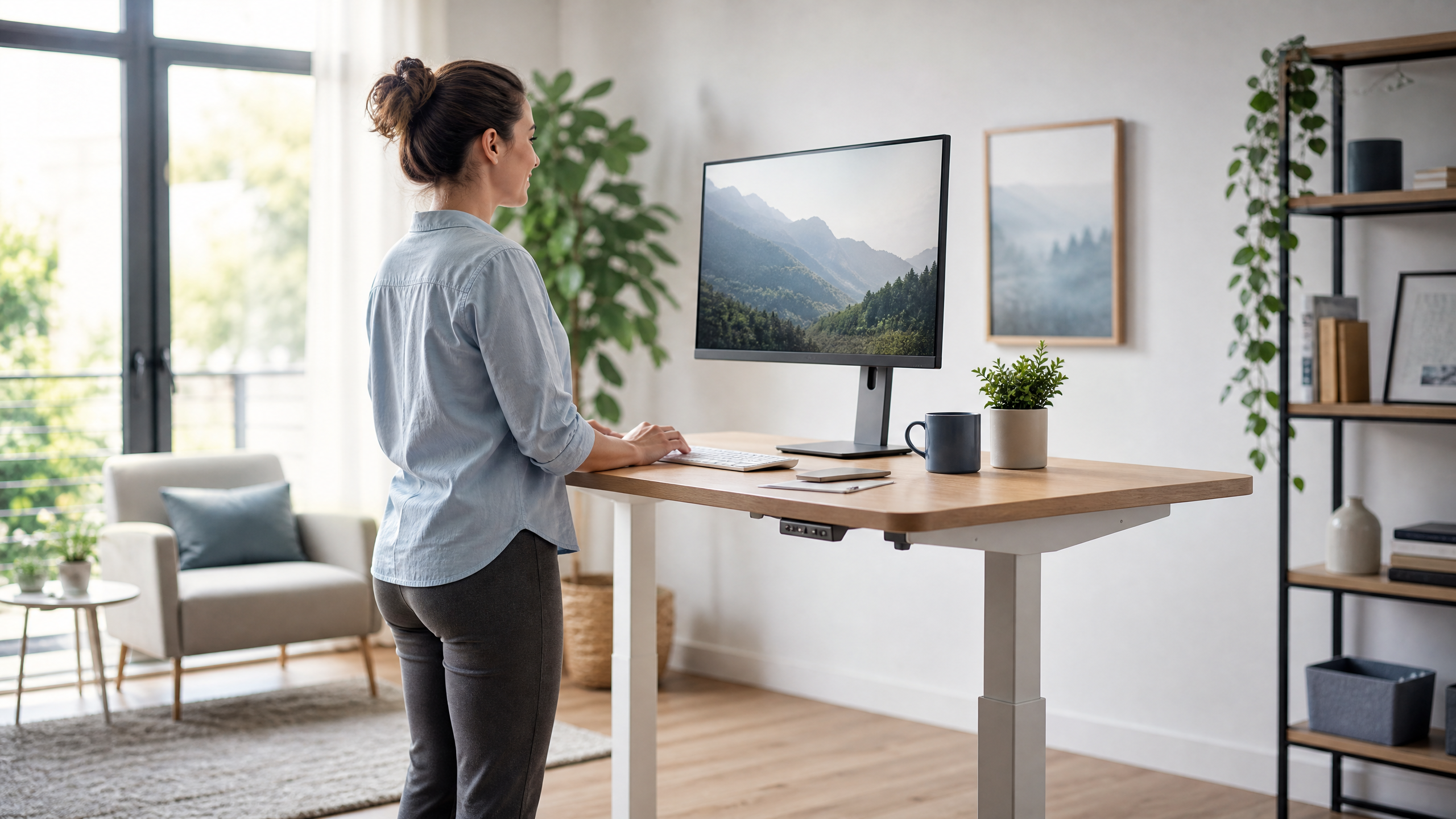
Many assume that simply raising a desk fixes posture, but the reality is more complex. If the work surface sits too high, users tend to lean forward, increasing lumbar flexion and straining the posterior ligamentous complex. The ergonomic sweet spot is:
- Monitor top at eye level.
- Elbows at roughly a 90° angle.
- Forearms parallel to the floor.
- Wrist and shoulder angles within neutral ranges.
Beyond the Spine: Cardiovascular and Metabolic Side Benefits
Standing nudges your heart rate up by about ten percent and burns an extra eight to ten calories per hour compared with sitting. While those numbers won’t replace a cardio workout, the cumulative effect over weeks improves circulation to spinal muscles and reduces low‑grade inflammation. Some researchers link reduced systemic inflammation to lower rates of chronic back pain, making the cardiovascular boost an indirect but valuable ally.
Individual Variability: One Size Does Not Fit All
People with pre‑existing spinal conditions—such as severe lumbar spinal stenosis, spondylolisthesis, or chronic low back pain—may find that prolonged standing aggravates symptoms. The American Physical Therapy Association recommends a personalized “dose” of standing, often starting at five minutes per hour and gradually increasing based on pain feedback. Conversely, those who spend most of their day in a slouched chair (the classic “tech‑neck” posture) frequently experience rapid relief after introducing regular standing intervals.
Ergonomic Accessories That Make Standing Viable
Even the best standing desk can feel like a pain point without the right accessories. Anti‑fatigue mats reduce pressure on the calcaneus and improve proprioception, cutting perceived fatigue by up to 30 % in controlled trials. A footrest or small platform enables subtle weight shifts that preserve lumbar curvature. And a simple reminder system—whether a phone timer, desktop app, or desk‑mounted sensor—helps you stick to the recommended sit‑stand cadence, preventing the “standing desk fatigue” trap where users stand for hours simply because the desk is there.
For a reliable, well‑engineered option, consider the Uplift V2 standing desk. Its sturdy frame, smooth motor, and generous surface area make it easy to maintain neutral posture throughout the workday.
Debunking the Most Persistent Myths
Myth 1: "Standing cures back pain."
Research shows standing can alleviate certain mechanical stressors, but it does not heal disc pathology or chronic inflammation on its own. It’s a tool, not a miracle.
Myth 2: "More standing equals more benefit."
Benefits taper after two to three hours of total daily standing. Excessive standing raises the risk of lower‑extremity varicose veins and joint compression.
Myth 3: "All desks are the same."
Adjustable mechanisms, stability, and surface size affect how easily you can transition between positions and maintain a neutral posture. A cheap, wobbling desk often does more harm than good.
A Bio‑Feedback Loop for Modern Office Work
The real power of a standing desk lies in the bio‑feedback loop it creates. Digital nudges—apps that prompt you to sit, stand, and move—combine with low‑tech ergonomic tools (mats, footrests) to generate a personalized rhythm that respects your body’s fatigue signals. Instead of viewing the desk as a static platform, think of it as a catalyst for micro‑movement.
Case studies illustrate the point. In a three‑month pilot at a mid‑size tech firm, employees who paired a height‑adjustable desk with a brief five‑minute “micro‑stretch” routine reported a 40 % drop in self‑rated low‑back discomfort. Those who only switched to standing without the micro‑breaks saw no measurable improvement, underscoring that the desk is only one piece of a broader, movement‑centric workflow.
Putting It All Together: A Practical Checklist
- Start Small. Begin with five minutes of standing per hour. Use a timer to remind yourself.
- Mind the Height. Adjust the desk so your monitor top is at eye level and elbows form a 90° angle.
- Move Frequently. Insert 2‑minute micro‑breaks for light stretching, walking, or ankle circles.
- Invest in Comfort. Add an anti‑fatigue mat and, if needed, a footrest to keep weight shifting natural.
- Listen to Your Body. If you notice increased lower‑extremity swelling, joint pain, or worsening back symptoms, dial back standing time and consult a health professional.
- Track Progress. Keep a simple log of sit‑stand intervals and pain levels. Over weeks, patterns will emerge, allowing you to fine‑tune your routine.
Conclusion: The Standing Desk Is a Tool, Not a Panacea
Standing desks can reduce certain risk factors for back pain, but only when used correctly and in moderation. The key takeaways are:
- Short, frequent standing intervals activate spinal muscles without causing fatigue.
- Periodic unloading of intervertebral discs can slow degeneration, but benefits level off after a few hours.
- Ergonomic setup—monitor height, elbow angle, neutral wrists—matters more than the desk itself.
- Supplement the desk with movement, anti‑fatigue accessories, and digital nudges.
- Individual health conditions dictate the optimal “dose” of standing.
When integrated into a broader habit of micro‑movement, a standing desk becomes a powerful ally for spinal health, cardiovascular wellness, and overall comfort. It isn’t a magic cure, but it does give you a platform to build a healthier, more dynamic workday.